Operator guide · verified 7 October 2026
A practical checklist for moving rental operations into a PMS
Start a PMS migration with an inventory of properties, future stays, channel connections and owner reporting needs. Then configure a small group of properties, reconcile known bookings and dates, and only widen the rollout after your team has checked real records. This checklist uses HostHub's published product workflow; it is a planning aid rather than a promise that every third-party source can be imported automatically.
For Canadian managers moving from spreadsheets or several booking tools into one operating workspace.
Try the workflow for 14 daysMigration checklist
- 01
Inventory the current operation
List properties, listing IDs, channels, future bookings, blocked dates, active leases, owner agreements, cleaning assignments and the reports you currently send. Keep a copy of the source records.
- 02
Choose a small pilot
Select one or two representative properties, including a longer-stay unit if that is part of your business. Set owners, teammates, stay mode and property details in HostHub.
- 03
Connect supported channels
Map each channel listing to the correct property. Check the provider's current availability and approval requirements; treat iCal as calendar sharing rather than a full message or pricing connection.
- 04
Reconcile before going live
Compare a known future booking, its blocked nights, nightly rate and minimum stay across the source and HostHub. Review cancellations and any unmatched conversations separately.
- 05
Review the first owner month
Record relevant expenses, inspect ledger lines and confirm the owner agreement's fees before sharing a statement. Keep the original reports until the totals reconcile.
- 06
Expand with an owner
Ask the person responsible for the operation to approve the pilot results, document exceptions and then repeat the checklist for the remaining properties.
Records to prepare
- Property and channel listing inventory
- Future bookings, date blocks and lease records
- Owner agreements, expenses and statement history
Conditions to verify
- Import methods vary by source and may require manual review.
- A successful sync indicator does not establish that every record is complete.
- Local licensing, data retention and privacy obligations remain with the operator.
See the HostHub workflow
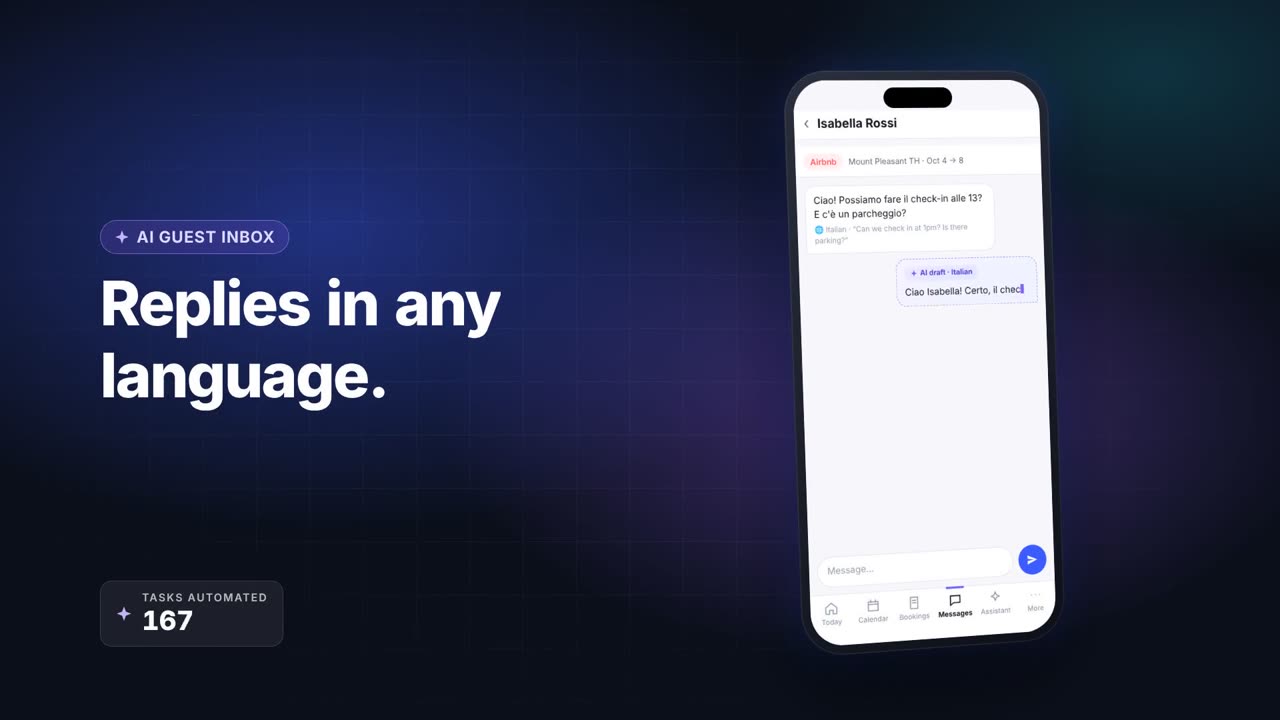
First-party HostHub product overview. The still and interface shown are illustrative; the checklist calls for checks against your own records.
Source notes
Product workflow checked . Recheck live integrations and trial terms before changing your operation.
Migration questions
Should I turn on every channel at once?
Pilot a small set first. Confirm listing mapping, availability, prices and a known booking before expanding.
Can I discard my old spreadsheets immediately?
Keep source records until bookings, balances and owner statements reconcile for the period you need.
Continue planning
- Manage short-term stays and long-term rentals in one place →
- Keep your rental channels and calendar in sync →
- Owner statements built from the bookings you manage →
- A daily workflow for short stays and monthly rentals →