Operator guide · verified 7 October 2026
A daily workflow for short stays and monthly rentals
A mixed-rental operation needs one reliable view of occupied nights and a different checklist for each stay type. Use the same property record to review availability and owner activity, while keeping short-stay channel checks, monthly rent records and longer lease obligations explicit. The steps below describe how to organize that work in HostHub, with a human review at every handoff.
For Canadian teams that run nightly bookings alongside monthly stays or longer leases.
Try the workflow for 14 daysA repeatable operating day
- 01
Start with the calendar
Review today's arrivals, departures and occupied nights. Compare connected channel status with the calendar before changing availability or price.
- 02
Handle short-stay messages
Work through the shared inbox for supported channel conversations. Check the original channel when a message, booking or connection looks incomplete.
- 03
Prepare turnovers
Confirm checkout and assign cleaning tasks. Verify completion and any maintenance exception before the next arrival.
- 04
Review monthly or lease records
Track the longer stay or lease in the same property workspace, while checking its rent schedule, documents and date blocks separately from a nightly booking.
- 05
Close the owner month
Review booking and rent entries, relevant expenses, cancellations and fees in the owner ledger. Approve the statement only after its supporting records match.
What belongs in the shared workspace
- Calendar visibility across stay types
- Guest conversations and cleaning tasks for supported workflows
- Lease and owner-ledger records
Different stays still have different rules
- A monthly stay may need different channel, pricing and tax treatment than a nightly booking.
- Calendar sharing via iCal does not include the full channel feature set.
- Local short-term rental and tenancy requirements must be checked for each property.
See the HostHub workflow
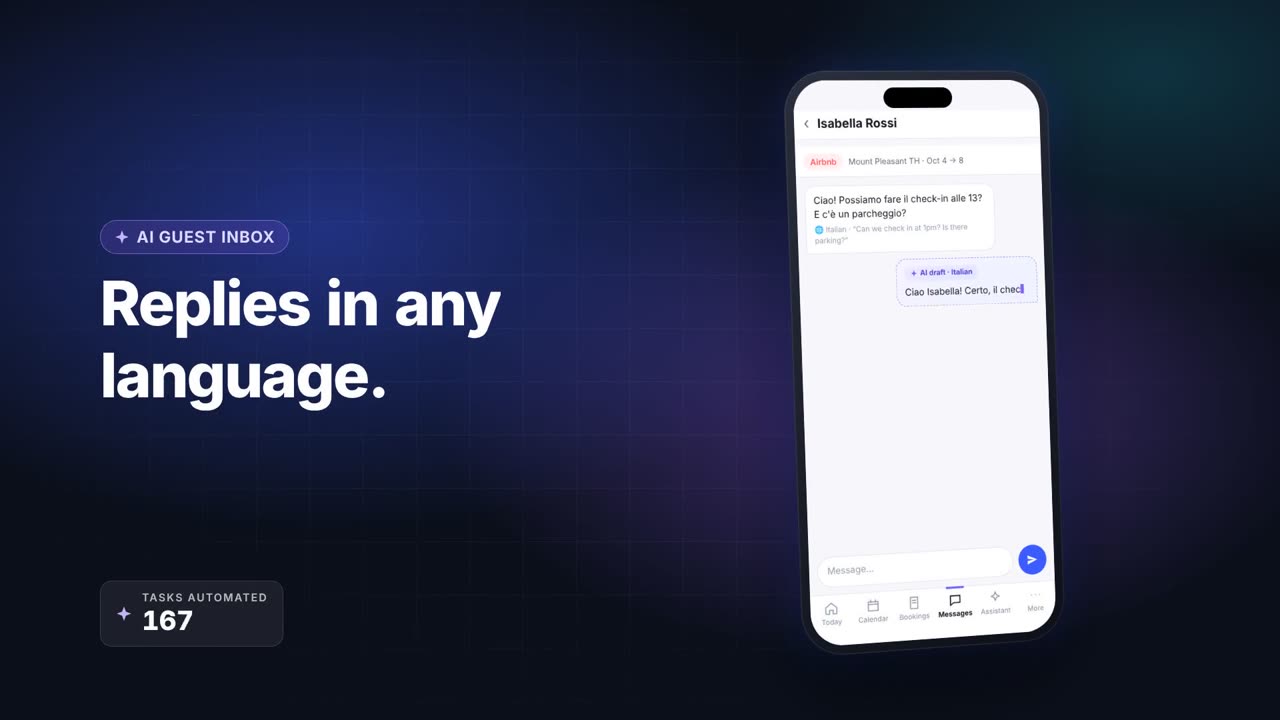
First-party HostHub product overview. The demo is illustrative; use your own property records to verify each step.
Source notes
Product workflow checked . Recheck live integrations and trial terms before changing your operation.
Workflow questions
Can a monthly stay block nightly availability?
The calendar can show the occupied period. Check each connected channel's blocks before accepting another booking.
Is an owner statement automatic approval?
No. Review bookings, expenses, cancellations and agreement-based fees before sharing any monthly total.
Explore related workflows
- Manage short-term stays and long-term rentals in one place →
- Keep your rental channels and calendar in sync →
- Owner statements built from the bookings you manage →
- A practical checklist for moving rental operations into a PMS →